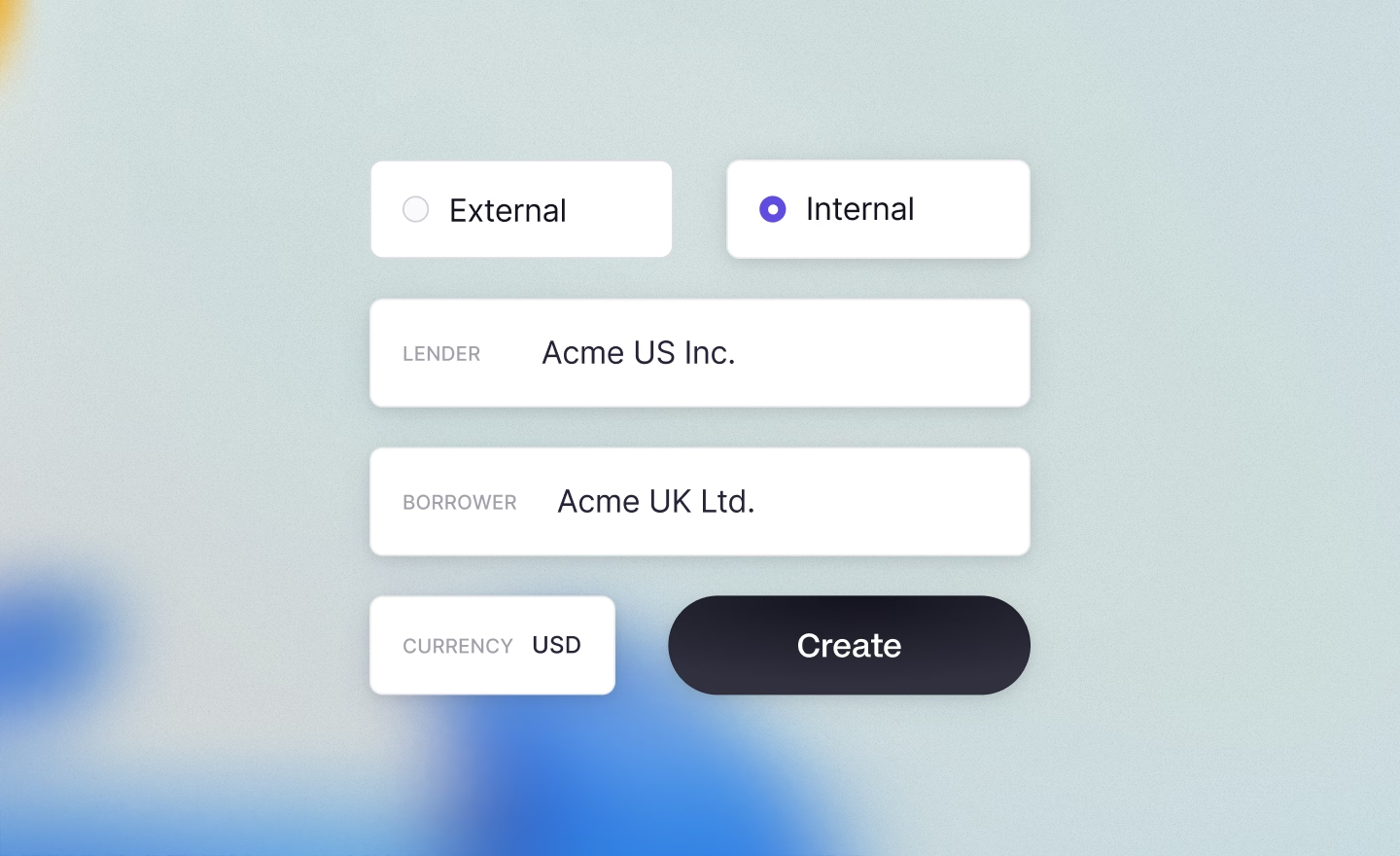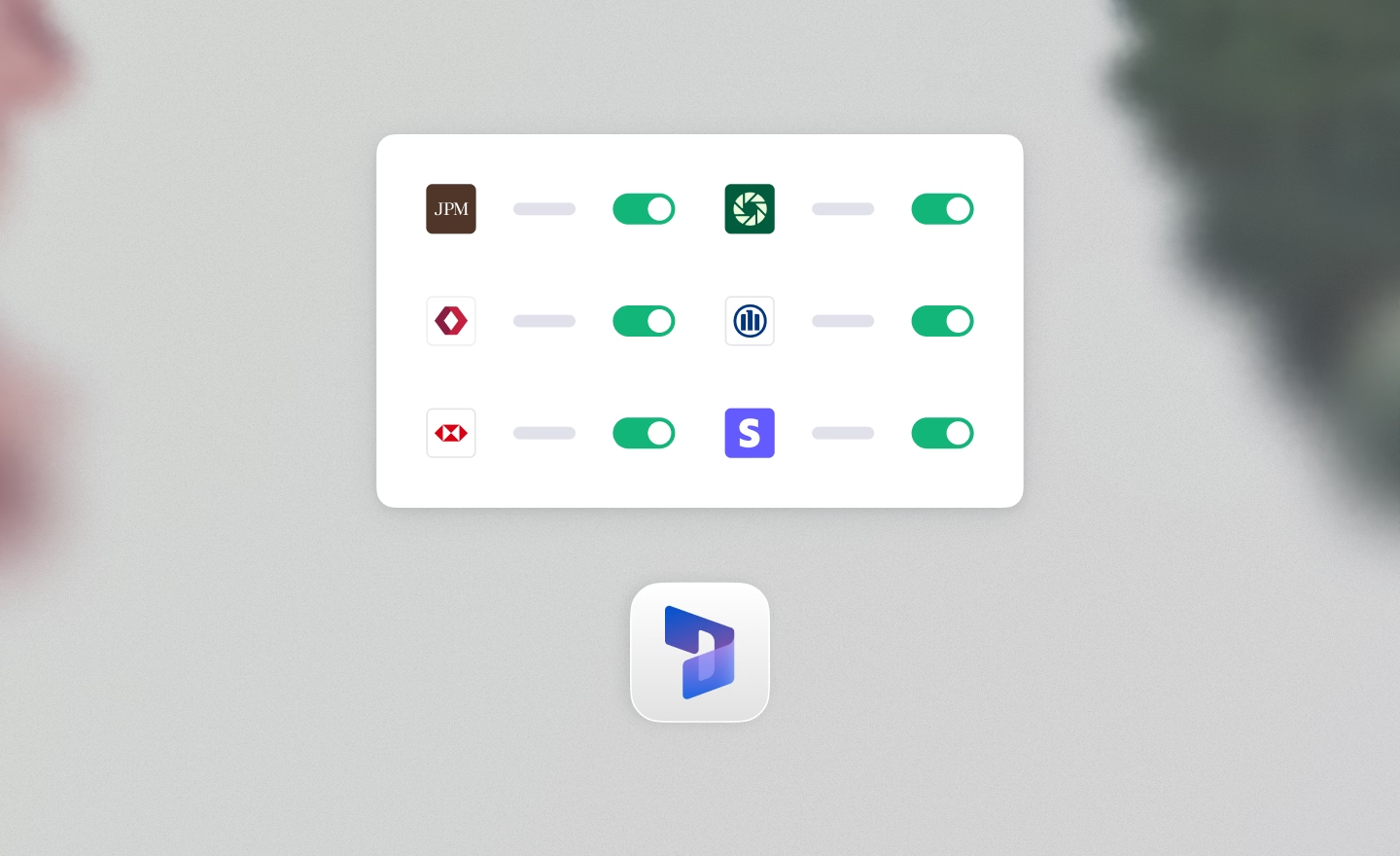
What Happens When You Connect Business Central to Your Banks
Your ERP knows what should have happened. Your bank knows what actually did. For most finance teams on Business Central, connecting them is still a manual job.
Dynamics 365 Business Central is a capable, modern ERP for growing companies, strong on accounting, reporting, and multi-entity management. But it wasn't designed to connect directly to your banks. And for a finance team that's often wearing multiple hats, that gap is where the hours go.
Without a direct connection, payment files get exported and uploaded to bank portals by hand. Statements arrive from different banks in different formats and need to be cleaned before they can be imported. Cash positions are stitched together from separate portals instead of visible at a glance. And reconciliation, matching bank records to ERP records, stays one of the most time-consuming tasks in finance, even though both systems already hold the data needed to automate it.
What direct bank connectivity actually changes
The point of connecting Business Central to your banks is straightforward: what the ERP records and what the bank executes should stay in sync without someone manually shuttling data between them.
Payments without the portal juggle
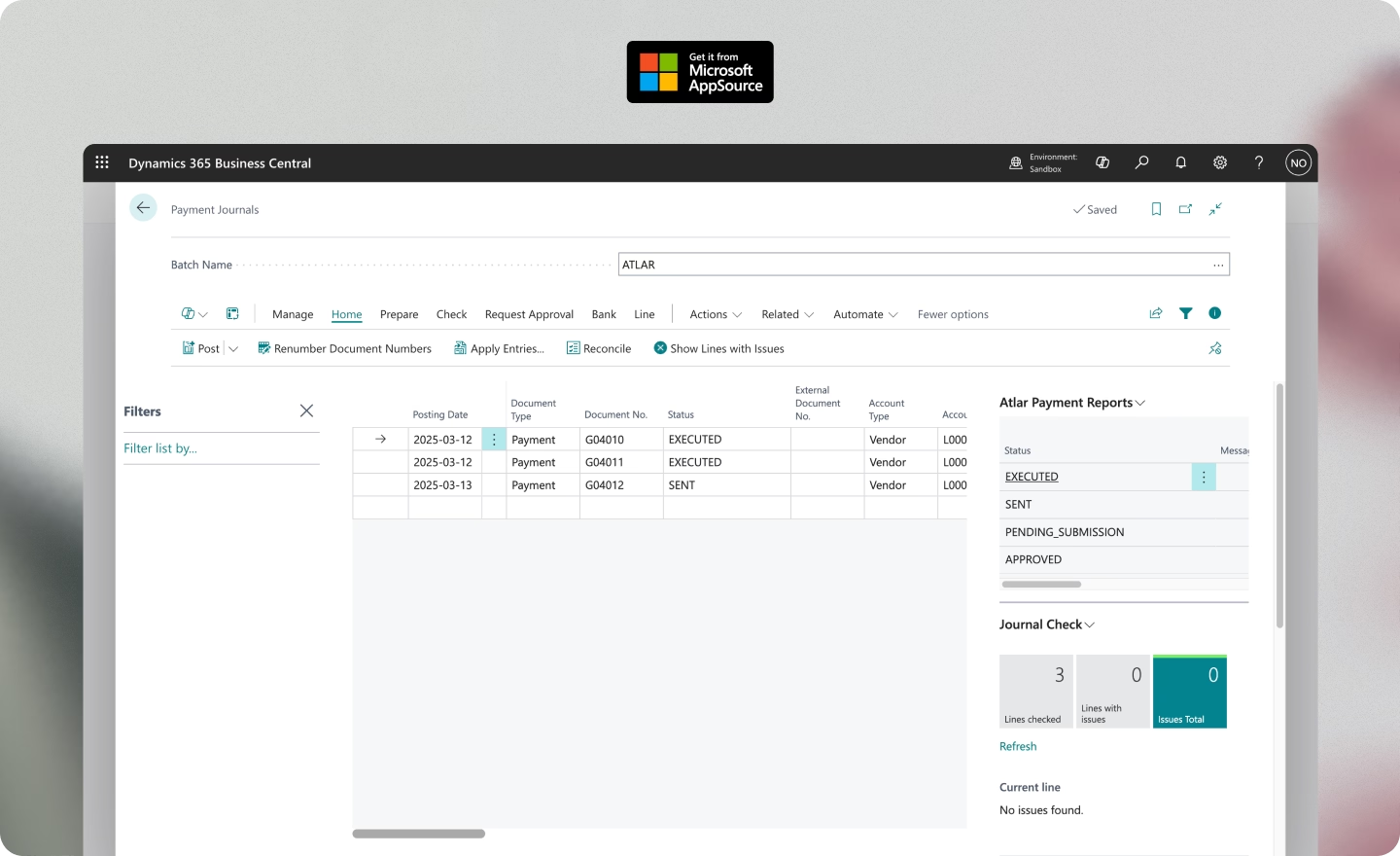
Every disconnected payment run follows the same sequence: export from the ERP, switch to a bank portal, upload, chase confirmations. Nobody designed this workflow. It just emerged from the gap between systems, and now it quietly absorbs hours every week. With a direct connection, payments move from Business Central to the bank without the manual relay, and statuses flow back into the ERP automatically.
Natural Cycles achieved a 90% reduction in time spent on payment preparation and reporting after connecting their banks to Business Central through Atlar.
Cash visibility without the assembly work
Reconciliation is usually where the month-end close loses momentum. When statement matching is still done by hand, the process gets slower exactly as transaction volumes get higher. This is the opposite of what a scaling company needs.
A direct connection means statements arrive clean and ready to match. The bigger change is what happens once AI gets access to that clean, structured data.
Atlar's bank reconciliation combines rule-based matching with AI that learns from your transaction patterns over time, catching the near-matches and format inconsistencies that static rules miss. Its reconciliation agent goes a step further, surfacing exceptions that need human judgment and suggesting new matching rules based on what it observes.
A close process that doesn't bottleneck on reconciliation
Reconciliation is usually where the month-end close loses momentum. When statement matching is still done by hand, the process gets slower exactly as transaction volumes get higher. This is the opposite of what a scaling company needs.
A direct connection means statements arrive clean and ready to match. The bigger change is what happens once AI gets access to that clean, structured data.
Atlar's bank reconciliation combines rule-based matching with AI that learns from your transaction patterns over time, catching the near-matches and format inconsistencies that static rules miss. Its reconciliation agent goes a step further, surfacing exceptions that need human judgment and suggesting new matching rules based on what it observes.
What the Atlar Business Central app enables
When payments, approvals, and bank data are centralized rather than scattered across systems, audit trails come together on their own. No need to reconstruct evidence from five different places when compliance or audit preparation requires it. That centralization is what the Atlar Business Central app provides.
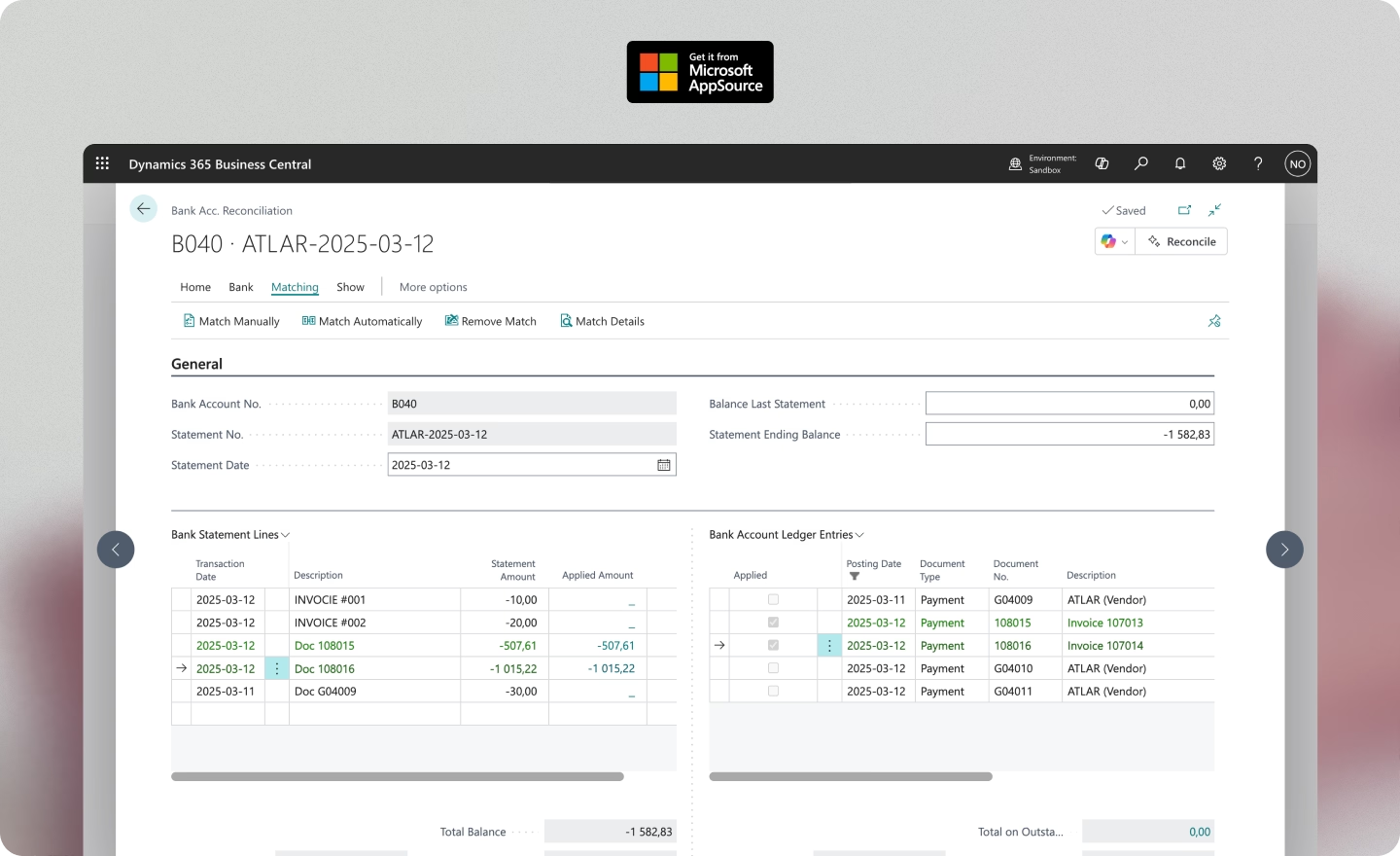
It keeps the workflow inside Business Central's familiar Payment Journal and Bank Account Reconciliation modules, while Atlar handles the bank connectivity layer and adds approval workflows through its own dashboard.
Standardized bank statements, delivered automatically
Atlar connects to your banks via secure API, host-to-host, EBICS, and SFTP channels and delivers statements into Business Central in one consistent format. All connectivity is built and maintained on your behalf, with prebuilt bank integrations spanning more than 100 countries and no IT work required.
Payment runs from inside Business Central
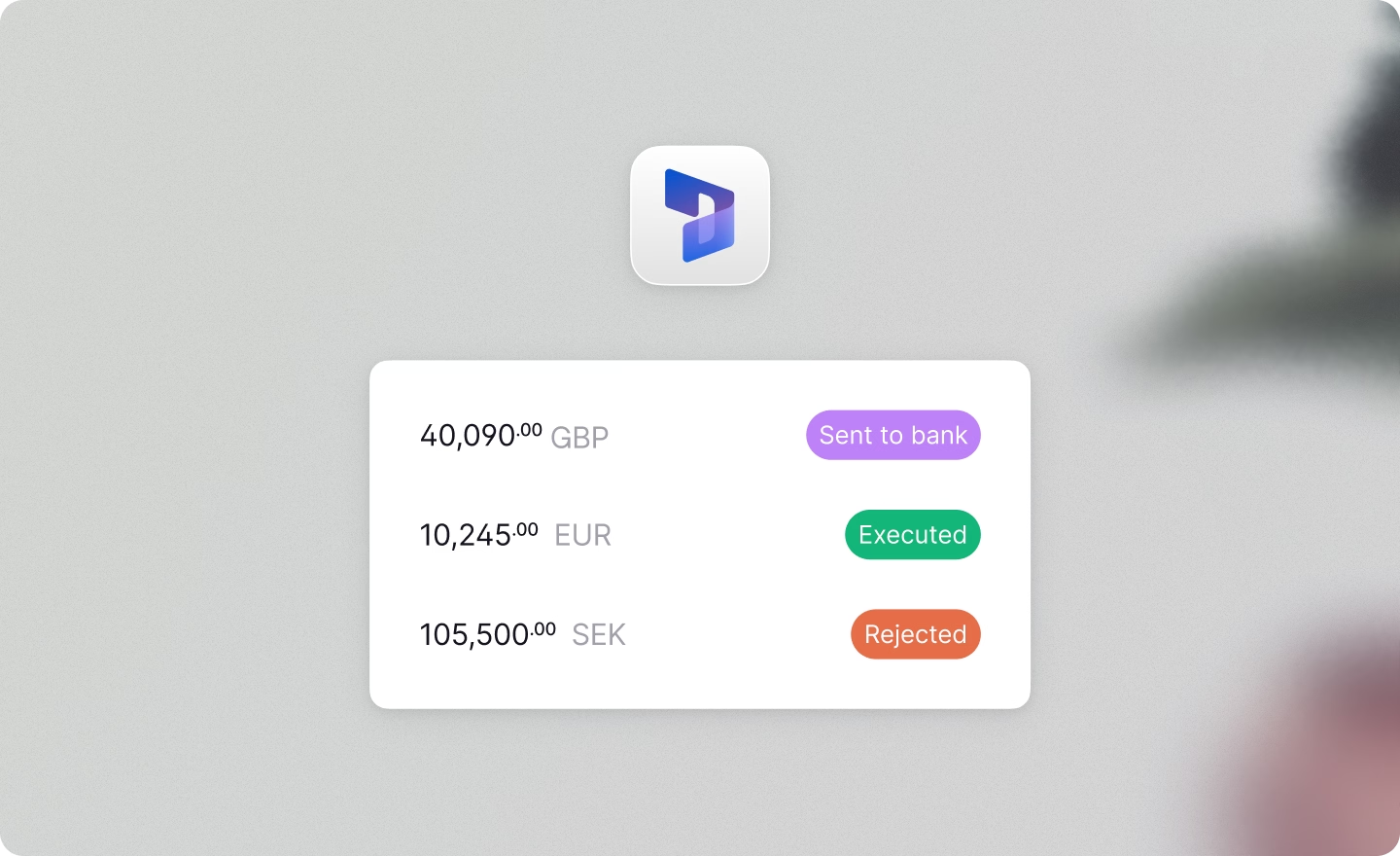
Payments are created in Business Central's Payment Journal as usual. From there, they move through Atlar's approval chains before execution. Statuses sync back to the same journal lines automatically, so the ERP always reflects where every payment stands. Forto, with 18 offices across Europe and Asia, runs payments and reconciliation through Atlar's native Business Central integration.
Structured data for faster matching
Atlar delivers statements that populate Business Central's Bank Account Reconciliation module directly, including counterparty names on each line. Your team reconciles where they already do, without the cleanup step that usually comes first.
Atlar's reconciliation agent takes this further, surfacing exceptions for human review and suggesting new matching rules based on patterns it observes.
Cash flow forecasting grounded in real data
Atlar's forecasting capabilities connect to bills and invoices in Business Central, so forecasts reflect actual payables and receivables rather than estimates built outside the system. A more grounded basis for liquidity planning and scenario modeling.
Beyond bank connectivity
Connecting banks to Business Central is where most companies start. But Atlar is a full, AI-native treasury platform, and once your financial data flows through it, the uses extend well beyond connectivity.
Atlar Intelligence surfaces insights from your live treasury data in natural language, and its AI agents handle routine work like daily cash positioning and payment briefings autonomously. Real-time cash positioning, investment management, and consolidated reporting across entities round out the picture.
Atlar fits natively into the Microsoft ecosystem, with single sign-on through Microsoft Entra ID, end-to-end encryption, and role-based access control. Business Central stays at the center of accounting and reporting. Atlar handles everything between the ledger and the bank.
See it in practice
Business Central covers accounting and reporting well. But the space between your ERP and your banks, where payments are executed, cash is tracked, and reconciliation happens, is still manual in most setups. For a finance team that's scaling, that's where time disappears and errors accumulate.
Finance and treasury teams at Neko Health, Natural Cycles, Forto, and Acne Studios use Atlar alongside Business Central to manage cash, payments, and forecasting. On G2, Atlar holds a 5-star rating, the highest of any treasury management system on the platform.
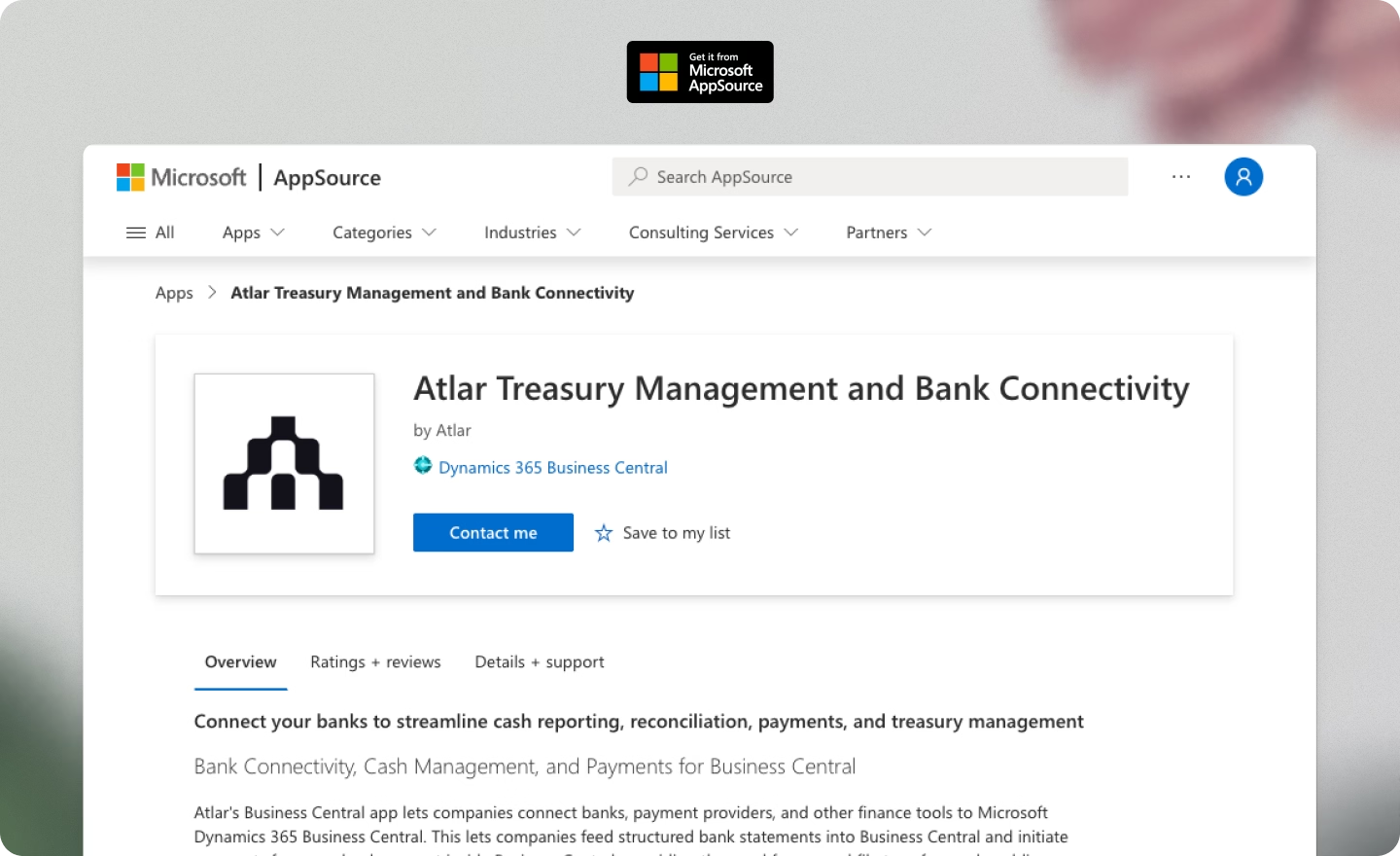
The app installs in minutes from Microsoft AppSource, with no consulting project or internal IT resources needed. Book a demo to see it in action.
_NEF-EDIT.avif)