Key takeaways
- Cash flow forecasts now support nested subgroups at any depth, with drag-and-drop reorganization, nested uploaded forecasts, and variance analysis at every level of the tree.
- Forecast cut-off rules let teams set a horizon in days, weeks, or months, scoped to entities and categories, so near-term figures can come from the ERP while later periods switch to generated estimates.
- FX providers now appear on the connections page; customers can connect Fixer or Oanda, or stay on the default Fastforex, then browse pairs, historical rates, fallback and fetch schedules, and download FX rate reports.
- Metadata keys have been renamed to custom fields, which can be defined across credit transfers, direct debits, mandates, counterparties, and expected or forecasted transactions, with required flags and an extended categorization rule builder.
- Payment schedules can now be created in Atlar with time, timezone, and allowed days, assigned to credit transfers and direct debits via the API, and governed by their own permission scope; dark mode is also live across every view.
Over the last few weeks we've shipped deeper cash flow forecasting, forecast cut-off rules, custom fields, FX providers, payment schedules, and dark mode, along with a series of smaller improvements. Together they add precision to how you model your business and structure to the data underneath—a stronger foundation for Atlar Intelligence.
Deeper cash flow structure
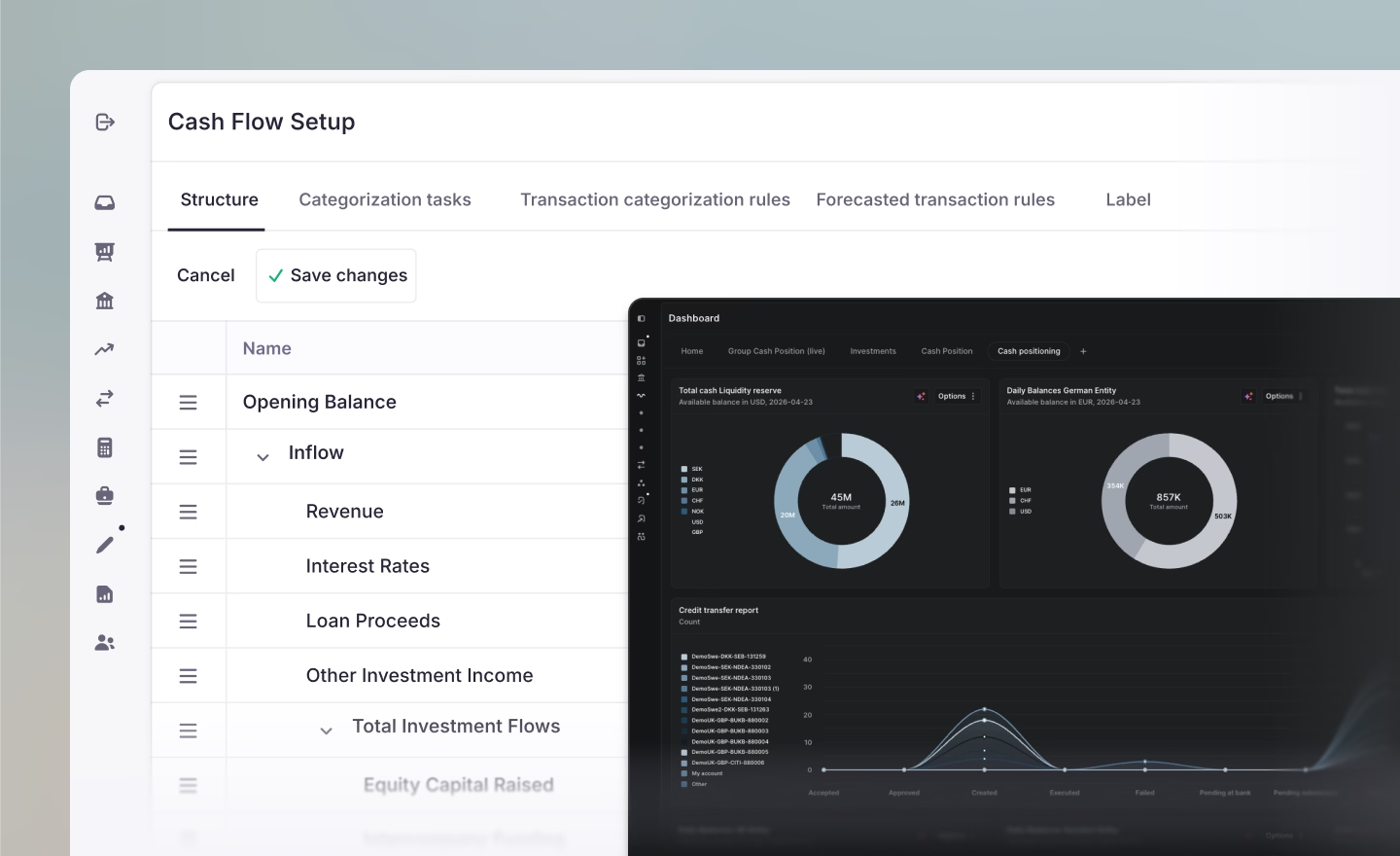
Cash flow forecasts now support nested subgroups at any depth. Organize your inflow and outflow categories to match how your business breaks down: operating expenses, then sales and marketing, then events and conferences, for example. Each subgroup renders as its own series in the chart.
Rows can be reorganized via drag and drop. Uploaded forecasts respect the nesting, and variance analysis runs at every level of the tree. Put together, this means the forecast now reflects how your business is structured, rather than flattening it into a single list.
Forecast cut-off rules
Forecasts usually blend two kinds of data: high-confidence near-term transactions from your ERP system, and longer-horizon estimates from budgets or historical patterns. Cut-off rules let you decide where the handoff happens.
Each rule specifies a horizon in days, weeks, or months, scoped to specific entities and categories. A two-week cut-off on your accounts receivable and payable categories, for example, uses ERP data for the next two weeks and then switches to generated estimates. The result is a forecast that's accurate where it can be, and realistic where it can't.
Bring your own FX provider
FX providers now appear on the connections page alongside banks, PSPs, and ERPs. Our integrations page has the full list. You can connect Fixer or Oanda to source your own rates, or stay on the default (Fastforex). Once connected, you can browse currency pairs, drill into historical rates, configure fallback and fetch schedules, and download FX rate reports from the connection page.
This is useful if you've negotiated specific rates with a provider, or need your FX data in Atlar to align with your ERP or FX risk policy.
Custom fields
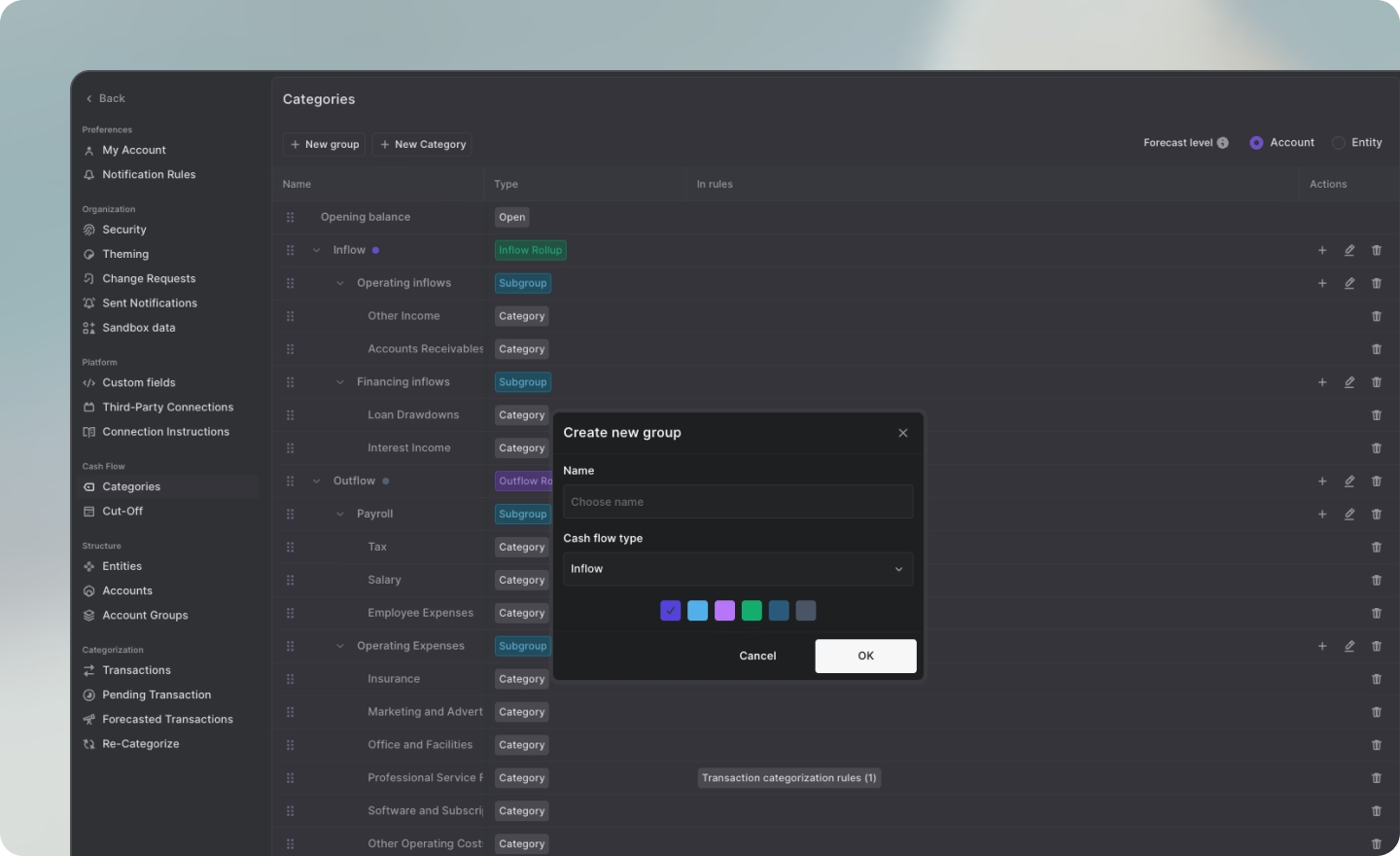
Metadata keys have been renamed to custom fields. You can now define structured fields across credit transfers, direct debits, mandates, counterparties, and expected or forecasted transactions. Each field has an API name and a display name, and can be marked as required to enforce data quality at creation.
The categorization rule builder has been extended in parallel, with support for most of the fields on your transactions. If a category already has a rule, the builder links through to it rather than letting you create a duplicate. Structured data is also what makes AI reliable, and is the foundation our AI agents rely on.
Payment schedules
You can now create and manage payment schedules directly in Atlar. Define when and how often a payment should execute: time, timezone, allowed days of the week, allowed days of the month, and either an exact time or a time range.
Schedules can be assigned to credit transfers and direct debits via the API, and every payment detail page links back to the schedule that triggered it. Schedules also have their own permission scope, giving admins a clean way to enforce delegation of authority policies without workarounds.
Dark mode
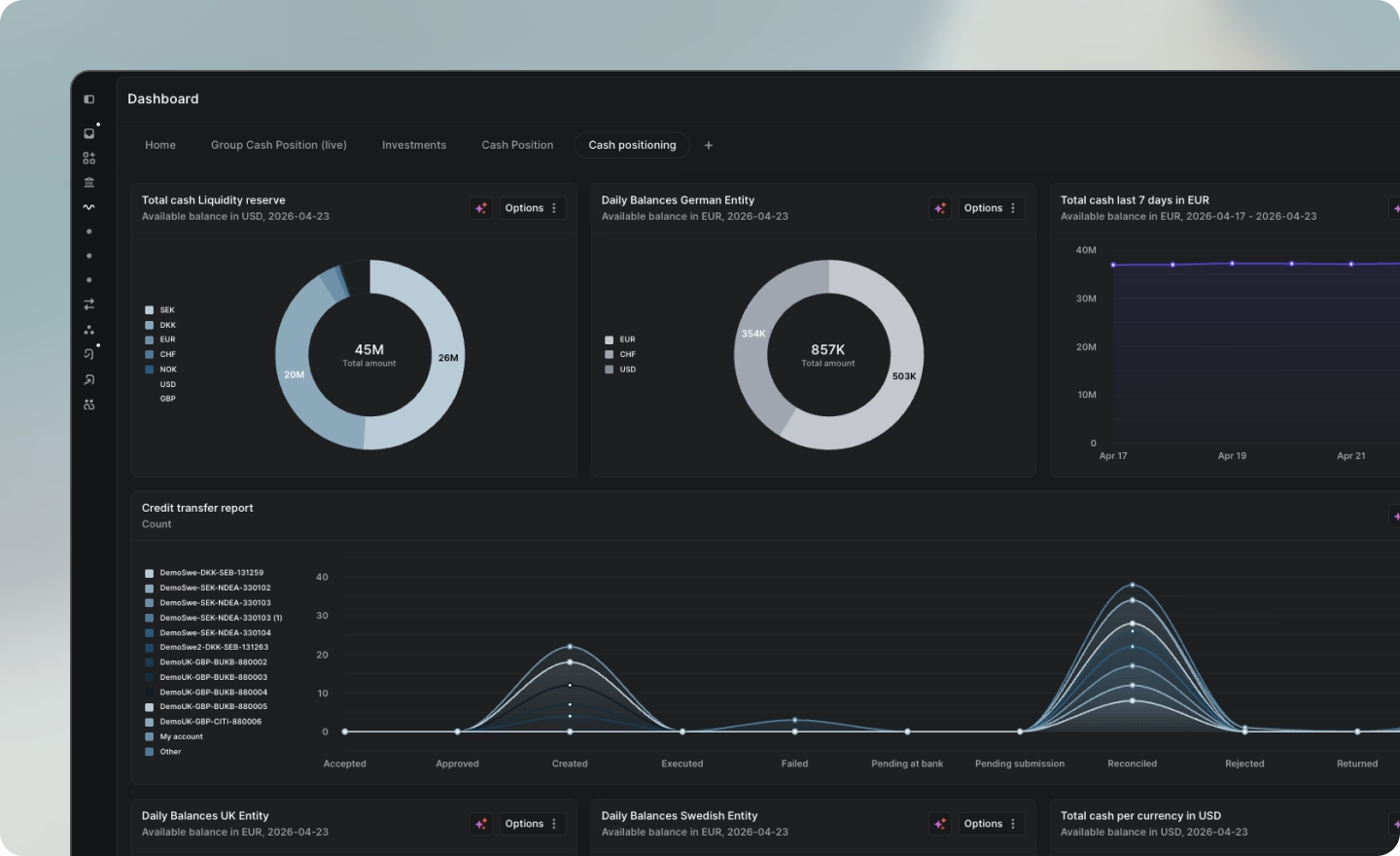
Last but not least, all of Atlar is now available in dark mode. Easier on the eyes when month-end close runs past midnight. Toggle it from your settings.
Also shipped
Below is a run of smaller improvements across the platform. See the full changelog for the complete list.
- Sweep amount splitting. When a sweep exceeds a payment scheme's limit (for example £1M for Faster Payments), it's now automatically split into multiple credit transfers that each stay within the cap. Previously, these would fail silently.
- Credit transfer batches can now include up to 2,000 items, up from the previous limit.
- Redesigned connections page. Card grid grouped by type (banks, PSPs, ERPs, FX providers), with status and account count at a glance.
- Sender account balance in approval views. Booked, booked adjusted, and available balances are now visible when approving a payment.
- Payment status reasons. Payment detail pages now show the status reason code and description for rejected or failed payments.
- Sweep run history is now visible on sweep rules.
Get in touch
All of the above is live in Atlar today. Existing customers, your account team can walk you through it. If you're new to Atlar, request a demo or get in touch and we'll show you around.